


Cricket Bet 999 APK – Download Guide for Android and iOS
The Cricket Bet 999 APK is how most Indian Android users install the Cricbet999 betting platform on their phones. Because Google Play restricts real-money betting apps in India, the APK is distributed directly from the official site or through trusted providers like CricketBet.
This guide covers exactly how to download and install the Cricket Bet 999 APK on Android, how iOS users access the same platform through Safari, what to check before installing, and how to get your verified Cricbet999 ID active before you open the app for the first time.
What Is the Cricket Bet 999 APK?
The Cricket Bet 999 APK is the Android application package for the Cricbet999 betting exchange. Installing it gives you a dedicated app on your phone instead of having to open a browser and type the URL every time you want to bet.
The APK is lightweight, doesn’t need much storage, and runs well on mid-range Android devices. It continues to run without affecting other phone operations.
Once installed, you get one-tap access to:
- Live cricket betting markets including IPL and ICC tournaments
- Session bets, ball-by-ball odds, and match-winner markets
- Teen Patti, Andar Bahar, Roulette, and live dealer casino games
- UPI deposits and withdrawals within the app
- Real-time score updates and odds changes
Before You Download: What You Need
For Android
| Requirement | Minimum Spec |
|---|---|
| Android version | 5.0 (Lollipop) or higher |
| Storage space | 50-80 MB free |
| Internet connection | 4G or WiFi |
| Setting to enable | Install from unknown sources |
| Compatible devices | Samsung, OnePlus, Xiaomi, Realme, Vivo, Motorola, Google Pixel |
Android 5.0 or higher is required. The APK is compatible with all major Android phones sold in India since 2015.
For iOS
Apple’s App Store does not permit betting apps in India.iPhone users access the full Cricbet999 platform via Safari browser, which provides identical functionality to the app. You can add it to your home screen for a one-tap icon that looks and works like an app.
How to Download Cricket Bet 999 APK on Android
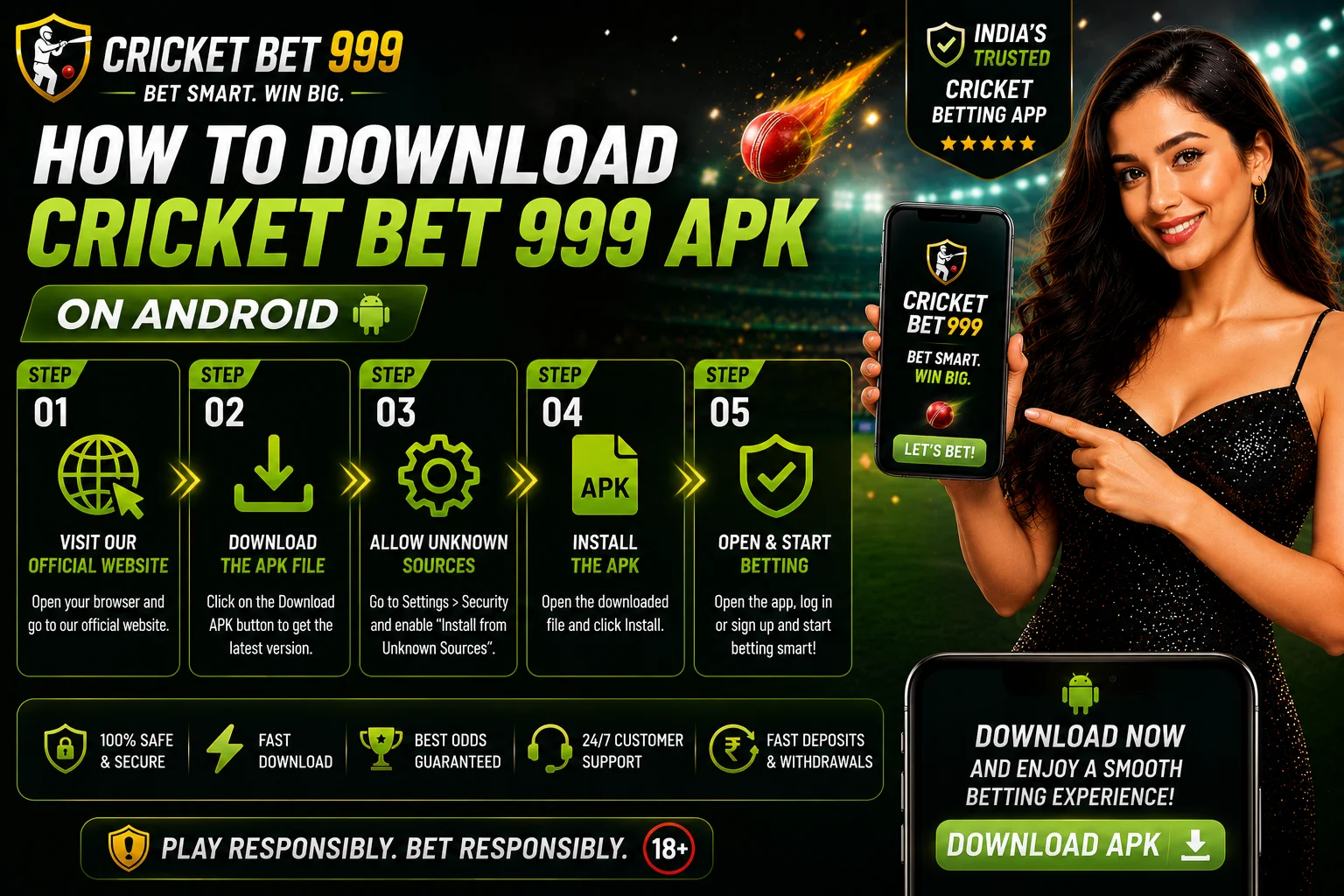
Follow these steps exactly. Skipping the “unknown sources” step is the most common reason installations fail.
Step 1: Enable unknown sources on your Android phone
This setting allows your phone to install APK files from outside the Google Play Store. The exact path depends on your Android version:
- Android 7 and earlier: Settings → Security → Unknown Sources → Toggle on
- Android 8 and above: Settings → Apps → Special App Access → Install Unknown Apps → Select your browser (Chrome or Firefox) → Allow
You only need to do this once. You can turn it back off after the APK is installed if you prefer.
Step 2: Get the APK download link
Contact CricketBet on WhatsApp. We send you the official Cricket Bet 999 APK download link directly. This ensures you’re getting the verified file, not a third-party copy that may have been modified.
Do not search for the APK on third-party sites or APK mirror sites. Many guides recommend using an official link for the APK download to avoid fake or modified copies.
Step 3: Download the APK file
Tap the download link we send you. Your browser will ask if you want to download the file. Tap Download. The file saves to your Downloads folder. Download size is typically 50-70 MB and completes in under a minute on 4G.
Step 4: Open and install the file
Go to your Downloads folder and tap the APK file. Your phone will show an installation screen with the app name and permissions it needs. Review these and tap Install. Installation takes 15-30 seconds.
Step 5: Open the app and log in
Once installed, tap Open or find the Cricket Bet 999 icon on your home screen. Enter the login credentials your Cricbet999 ID came with. If you don’t have an ID yet, see the registration section below.
How to Access Cricket Bet 999 on iPhone (iOS)
Apple does not allow real-money betting apps on the Indian App Store. iPhone users get full access through Safari, which delivers identical functionality.
Here’s how to set it up so it works like an app on your home screen:
- Open Safari on your iPhone
- Go to the Cricbet999 platform link (we’ll send it via WhatsApp)
- Log in with your Cricbet999 ID credentials
- Tap the Share button at the bottom of Safari (the square with an arrow)
- Tap Add to Home Screen
- Name the shortcut (e.g. “Cricbet999”) and tap Add
The icon appears on your home screen and opens directly to the platform with one tap, exactly like an app would. All features, including live betting, deposits, and withdrawals, work the same as on Android.
Get Cricbet999 platform Access
Cricket Bet 999 APK Features
Once the app is installed and your ID is active, here’s what you can do:
Sports betting
- IPL betting: match-winner, session runs, top batsman, ball-by-ball
- ICC tournaments: T20 World Cup, ODI World Cup, Champions Trophy
- International T20s and ODIs
- Football: EPL, La Liga, Champions League, ISL
- Tennis, kabaddi, and esports markets
Live in-play betting
Odds update every 2-3 seconds during live matches. You can bet on the next ball, the next over, or the next session while watching the match. The app handles the speed of live markets without lag on a standard 4G connection.
Casino games
- Teen Patti (classic and variations)
- Andar Bahar
- Roulette (European and American)
- Baccarat
- Live dealer blackjack
- Aviator and crash games
Account management
- Deposit via UPI directly from the app
- Withdraw to your bank or UPI ID
- View bet history and transaction records
- Update account settings and notification preferences
APK vs Browser: Which Is Better?
| Feature | Cricket Bet 999 APK | Browser (Mobile) |
|---|---|---|
| Loading speed | Faster (no browser overhead) | Slightly slower |
| One-tap access | Yes | No, type URL each time |
| Biometric login | Available | Not available |
| Notification alerts | Yes (match start, odds change) | No |
| Data usage | Slightly lower | Standard |
| Installation required | Yes | No |
| Works on iOS | No (use Safari instead) | Yes |
For Android users who bet regularly, the APK is worth installing. For occasional bettors or users on iPhones, the browser version works fine.
How to Get Your Cricket Bet 999 ID
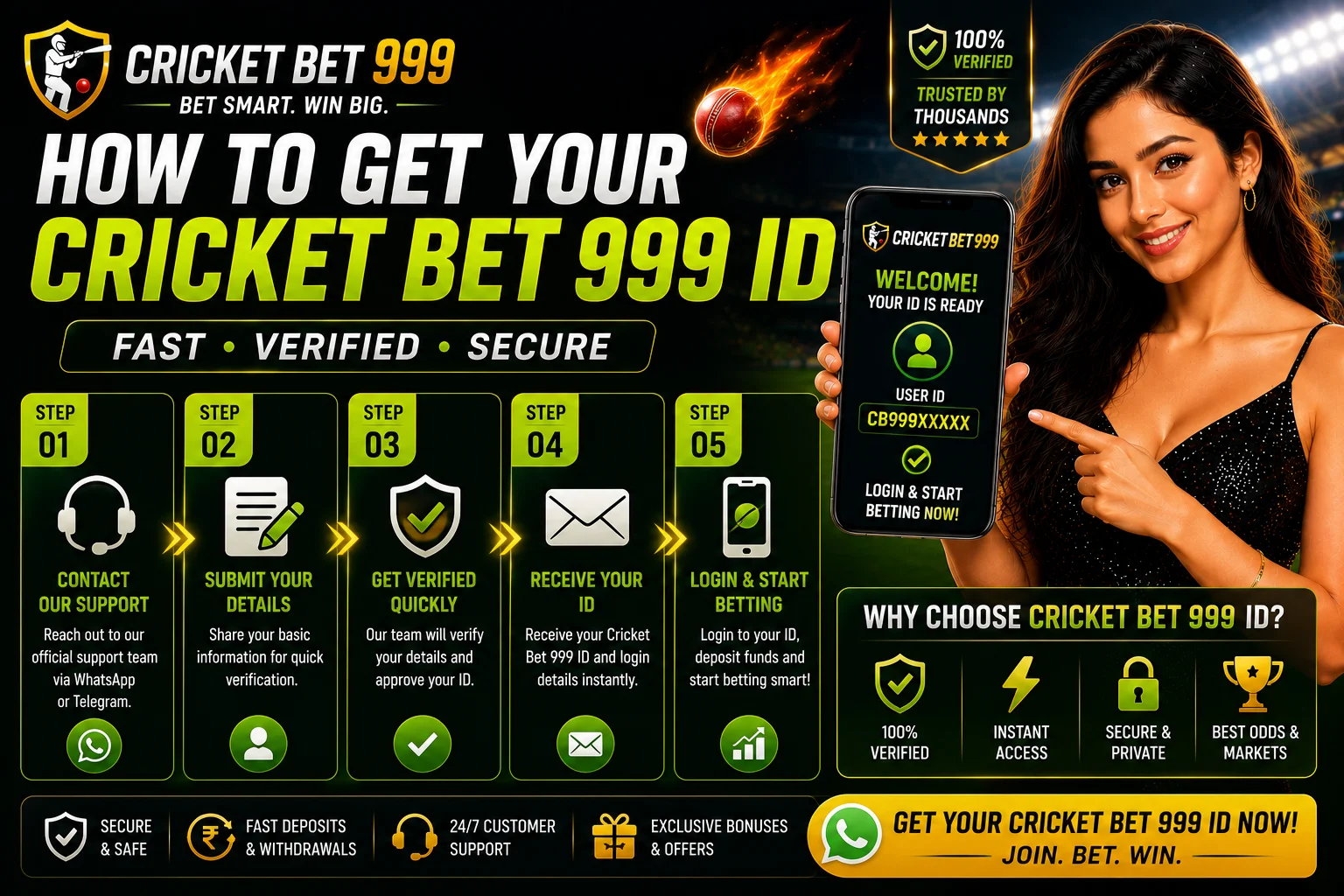
The APK is just the app. You still need a verified Cricbet999 ID to log in and start betting. Getting one through CricketBet takes under 5 minutes:
- Message us on WhatsApp at the number on this page
- Share your name and mobile number
- Receive your login credentials within 5 minutes
- Deposit via UPI from ₹500
- Open the app, log in, and start betting
If you request the APK download at the same time, we send both the ID credentials and the APK link in the same WhatsApp message.
Is the Cricket Bet 999 APK Safe to Install?
Three things determine whether an APK is safe:
Source: Only download the APK from CricketBet or the official Cricbet999 platform link. Third-party APK sites sometimes host modified versions that contain tracking software.
Permissions: When installing, review what the app requests access to. A legitimate betting APK needs internet access, storage (for caching), and camera (for QR code scanning on some payment screens). It should not request access to your contacts, SMS, or call logs.
File integrity:The official Cricbet999 APK is tested for malware and signed by the official developer. We only distribute the verified, signed version.
If you’re unsure whether the file you have is legitimate, contact us on WhatsApp and we’ll verify it or send you a fresh link.
Troubleshooting Common APK Installation Problems
“Install blocked” message
Your phone’s unknown sources setting is not enabled. Go back to Step 1 and follow the path for your Android version.
“App not installed” error
This usually means a previous version of the app is partially installed. Go to Settings → Apps → find any Cricbet999 entry → Uninstall → then try the fresh APK again.
App crashes on opening
Clear the app cache: Settings → Apps → Cricket Bet 999 → Storage → Clear Cache. If it still crashes, uninstall and reinstall from the link we send you.
Login not working after install
The APK and your Cricbet999 ID are separate. If the app installed correctly but login fails, double-check the username and password we sent via WhatsApp. Passwords are case-sensitive. If you’re locked out, message us and we reset credentials same-day.
Slow loading during live matches
Switch from mobile data to WiFi if available. If only mobile data is available, close other apps running in the background. The app is designed to handle live odds on 4G, but background data consumption from other apps can slow things down during high-traffic moments.
Updating the Cricket Bet 999 APK
The app doesn’t update automatically like Play Store apps do. When a new version is released, we send an update notification via WhatsApp to registered users. To update:
- Download the new APK file from the link we send
- Tap the file to install (your phone will install over the existing version, keeping your data)
- Open the app and log in as normal
You don’t need to uninstall the old version first. Installing a newer APK over an older one preserves your account data and settings.
Responsible Betting Reminder
The Cricket Bet 999 APK makes it easier to bet from anywhere, at any time. That convenience is worth keeping in check.
- Set a weekly budget before you deposit, not after
- Turn off push notifications if they’re prompting you to bet more than you intended
- Use the deposit limit tool (request via WhatsApp) to cap how much you can put in per day or week
- Contact iCall India at 9152987821 for free, confidential support if betting is affecting your daily life
Frequently Asked Questions
What is the Cricket Bet 999 APK?
It’s the Android installation file for the Cricbet999 betting exchange. It lets you access the platform as a dedicated app rather than through a browser.
Is the APK free to download?
Yes. There’s no charge to download or install the APK. You only spend money when you deposit funds into your betting account.
Why isn’t Cricbet999 on Google Play?
Google Play restricts real-money betting apps in India. The APK is distributed directly from the official source and installs the same way millions of Indian users install other betting apps.
Does the APK work on iOS?
No. iPhone users access Cricbet999 through Safari and can add it to their home screen for app-like access.
What Android version do I need?
Android 5.0 (Lollipop) or higher. This covers nearly all Android phones sold in India since 2015.
Do I need a new ID if I already have a Cricbet99 ID?
No. If you already have a Cricbet999 or Cricbet99 ID from CricketBet, use those same credentials to log into the app.
How do I deposit after installing the app?
Go to the deposit section in the app, select UPI, enter the amount (minimum ₹500), and confirm through your UPI app. Funds appear in your betting wallet within 1-2 minutes.
Is my data safe on the app?
The official APK uses encrypted connections for all transactions and account activity. Never download the APK from third-party sites, as modified versions may not carry the same security standards.
Can I use the app and browser version at the same time?
Yes. Your account works across both. Bets placed in the app show up when you log in through the browser, and vice versa.
How do I get the APK link?
Message CricketBet on WhatsApp. We send the verified download link along with your ID credentials in the same conversation.
Get the Cricket Bet 999 APK Now
Message us on WhatsApp. We send you the verified APK download link and your Cricbet999 ID in the same conversation. Install the app, deposit from ₹500 via UPI, and you’re live on the exchange before the next match starts.
Get APK + Cricket Bet 999 ID on WhatsApp
CricketBet is for users aged 18 and above only. Betting involves financial risk. Play within your means. Check applicable regulations in your state before participating in online betting.
